

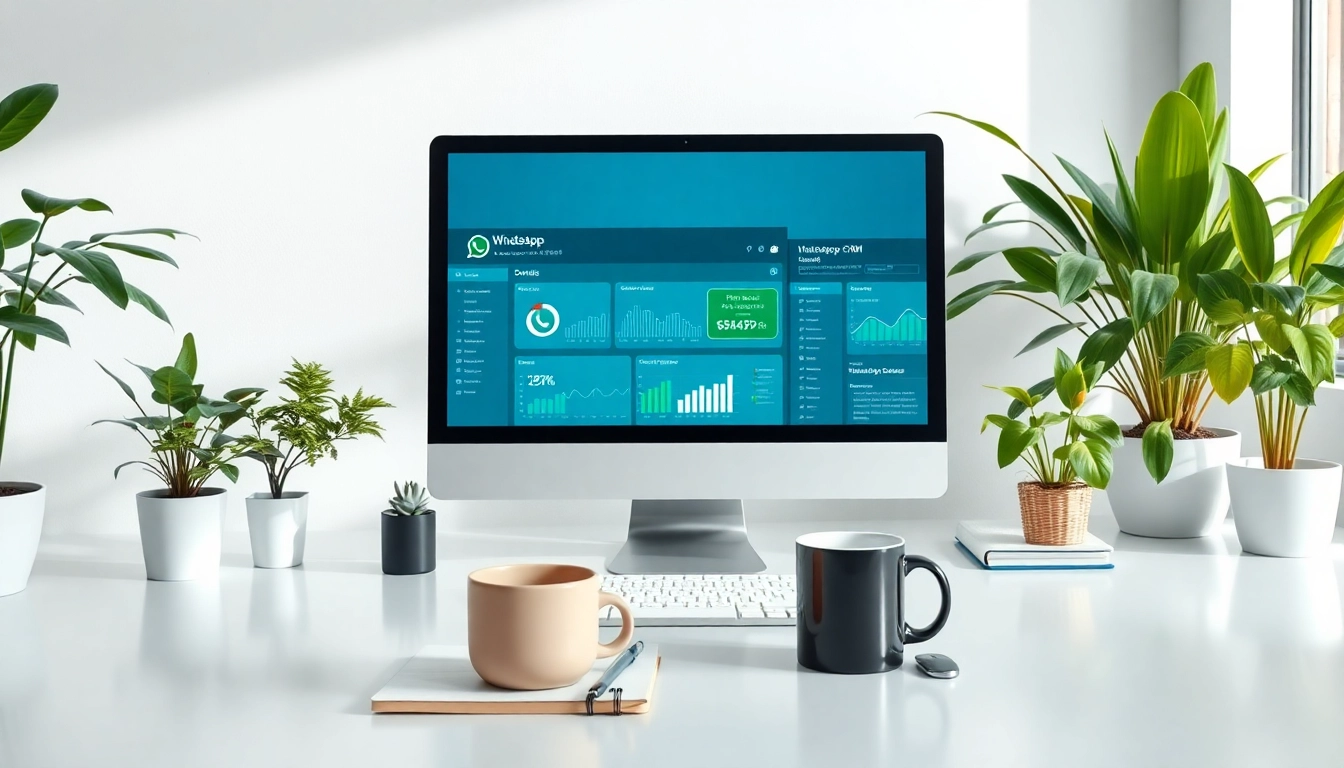
Introduction to WhatsApp Business CRM
In the competitive landscape of business communication, understanding and engaging with customers effectively is paramount. Enter WhatsApp Business CRM, a dynamic solution designed to integrate customer relationship management (CRM) with one of the most widely used messaging platforms globally. This powerful tool enables businesses to streamline communication, enhance customer experiences, and ultimately drive growth.
The rise of messaging apps in business communication cannot be overstated. As customers increasingly prefer instant communication methods, businesses must adapt to meet these demands. WhatsApp Business CRM stands out by combining the immediacy of messaging with the comprehensive features of a CRM, offering a unique way to connect with clients and monitor customer interactions.
Understanding WhatsApp Business CRM Features
WhatsApp Business CRM is built with features tailored for business purposes. These include customer profiles that store essential information, message templates for consistency, and analytics to track communication effectiveness. Moreover, it offers integration capabilities with existing systems, making it easier for businesses to adopt and leverage its full potential.
Benefits of Integrating WhatsApp Business CRM
Integrating WhatsApp Business CRM into your operations brings numerous benefits. First, it enhances customer engagement through real-time communication. Secondly, businesses benefit from improved data management, allowing for better decision-making processes. Finally, automation tools within the CRM reduce the workload on customer service representatives by handling repetitive tasks efficiently.
Key Features of WhatsApp Business CRM
Real-Time Customer Engagement
One of the standout features of WhatsApp Business CRM is its capability for real-time customer engagement. This immediacy allows businesses to respond to inquiries, resolve issues, and provide support faster than traditional communication methods. Whether it’s answering questions about products or assisting with an order, the instant nature of WhatsApp ensures that communication is both swift and personal.
Data Management for Better Decision-Making
Effective data management is crucial in today’s data-driven business environment. WhatsApp Business CRM enables businesses to collect and manage customer data efficiently. By analyzing this data, businesses can gain insights into customer behavior, preferences, and buying patterns. This intelligence empowers companies to craft targeted marketing strategies and improve their offerings based on actual customer needs.
Automation Tools within WhatsApp Business CRM
Automation is a game-changer in the customer service domain. With WhatsApp Business CRM, businesses can automate routine tasks such as sending welcome messages, reminders for follow-ups, or notifications about promotions. This saves time and minimizes human error, allowing the team to focus on more complex customer interactions that require a human touch.
Implementing WhatsApp Business CRM
Steps to Setup Your CRM System
Setting up your WhatsApp Business CRM is a straightforward process. Initially, businesses need to create a WhatsApp Business Account, which can be done through the WhatsApp Business app. Next, integrate your CRM software with the WhatsApp API, which involves configuring settings to allow data transfer between the two systems. Finally, train your team on best practices for using the CRM effectively, ensuring a seamless transition to the new system.
Best Practices for Effective Integration
To ensure successful integration of WhatsApp Business CRM, businesses should focus on a few best practices. First, maintaining clear communication with all stakeholders involved in the process is vital. Secondly, investing time in training employees on how to utilize the CRM fully will improve its adoption rate. Additionally, regularly reviewing the integration’s performance will help identify any issues early and adjust strategies as needed.
Common Challenges and Solutions
Like any technological implementation, challenges may arise when integrating WhatsApp Business CRM. One common issue is data security concerns. Businesses must ensure compliance with data protection regulations and establish secure practices for handling customer information. Another challenge is the adaptation of staff to new tools. Address this by providing ongoing support and resources for team members to become comfortable with the system quickly.
Measuring Success with WhatsApp Business CRM
Key Performance Indicators to Track
To measure the effectiveness of WhatsApp Business CRM, it’s essential to track various Key Performance Indicators (KPIs). These may include response time to customer inquiries, customer satisfaction scores, and the conversion rate of leads into customers. Monitoring these metrics over time will provide insights into your CRM’s performance and guide future strategies.
Analyzing Data for Continuous Improvement
Utilizing analytics from the WhatsApp Business CRM allows businesses to assess their communication strategy’s effectiveness. By regularly analyzing data, such as customer interaction trends and engagement levels, businesses can identify areas for improvement. A data-driven approach leads to continual enhancements in customer service processes and overall customer satisfaction.
Feedback Mechanisms from Customers
Incorporating feedback mechanisms is vital to evaluate the success of your WhatsApp Business CRM. Establishing simple processes for customers to share their experiences and suggestions can provide valuable insights. This feedback not only helps refine service offerings but also fosters a sense of connection and trust between the business and its customers.
FAQs About WhatsApp Business CRM
What is WhatsApp Business CRM used for?
WhatsApp Business CRM is used to enhance communication with customers, manage inquiries, and improve relationships by integrating messaging features with customer management capabilities.
How can I integrate WhatsApp Business CRM?
Integration involves creating a WhatsApp Business Account, connecting it with CRM software through the WhatsApp API, and configuring the settings for effective data handling.
What are the costs associated with WhatsApp Business CRM?
Costs can vary based on the CRM provider and additional features utilized. It’s essential to evaluate pricing options and choose a plan that aligns with your business needs.
Is WhatsApp Business CRM easy to use?
Yes, WhatsApp Business CRM is designed to be user-friendly, allowing teams to quickly adapt to the platform with minimal training and technical expertise.
Can I customize WhatsApp Business CRM for my business?
Absolutely! WhatsApp Business CRM solutions often offer customization options to tailor the software according to specific industry requirements and business processes.